
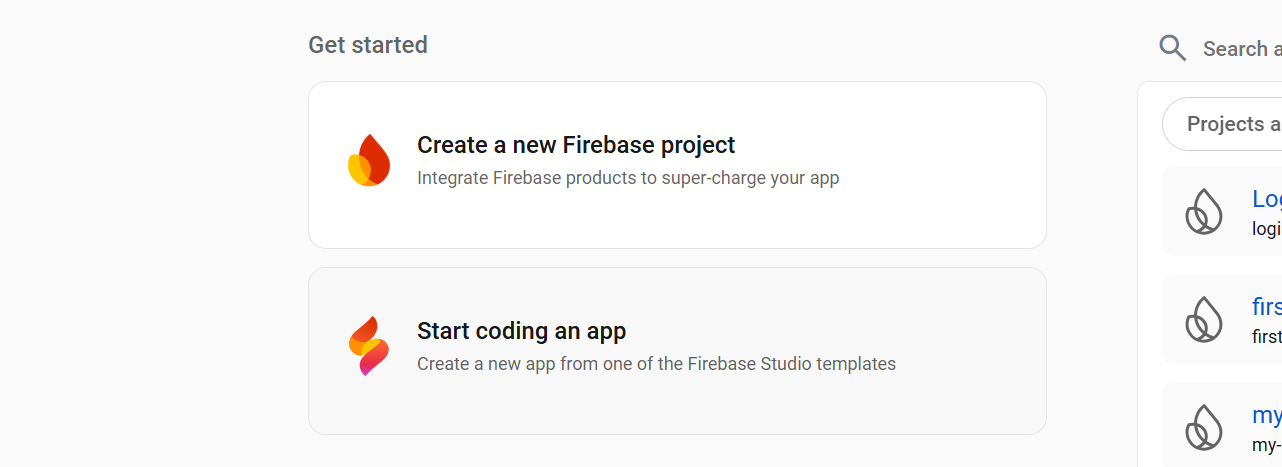
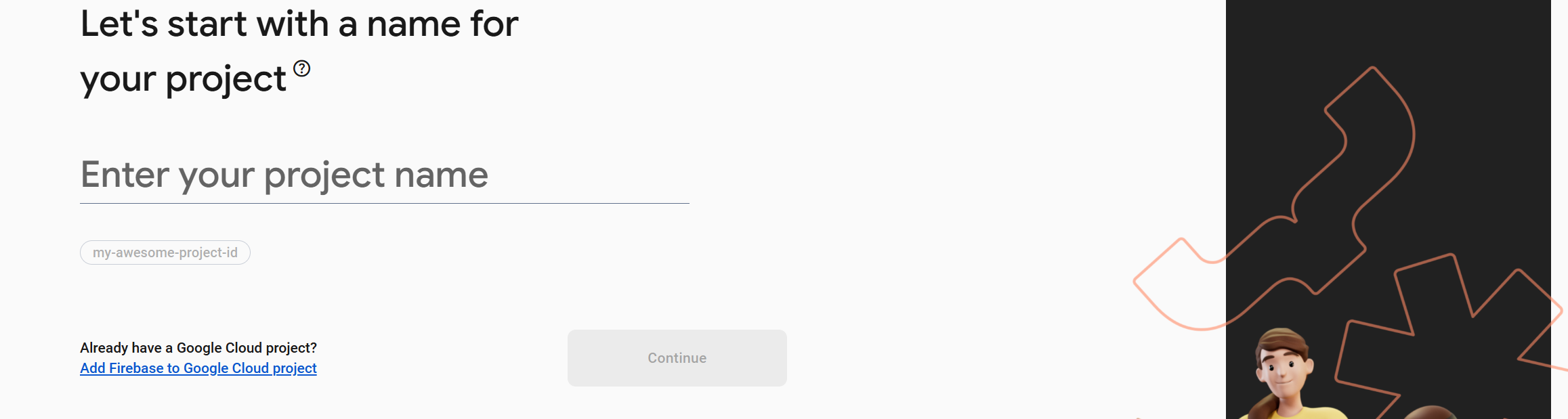
Google firebase is a database service that you can use it for you website's database or login system
without
building your own database,
and google firebase also have free plan. It is very good for develpoper
who
do
not want to build their own database.



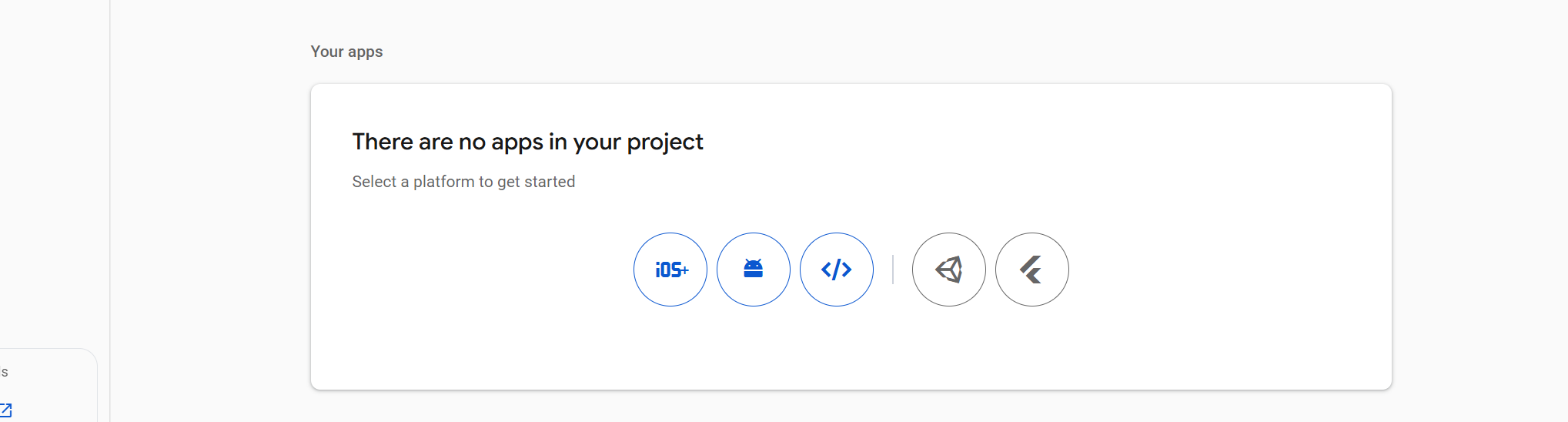
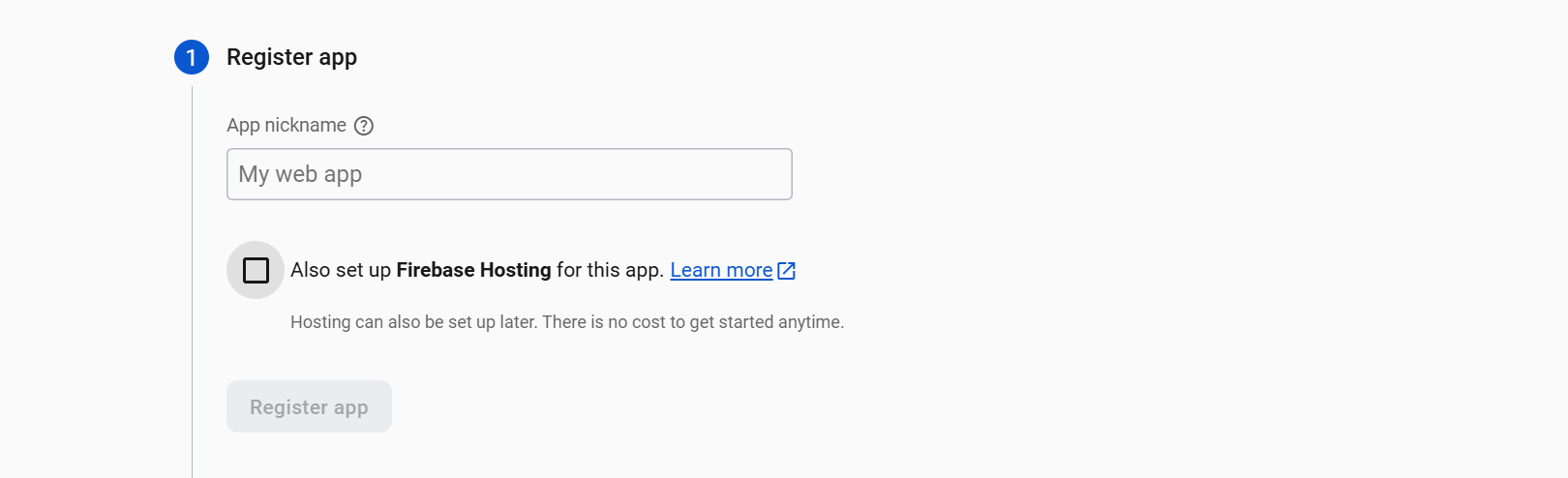
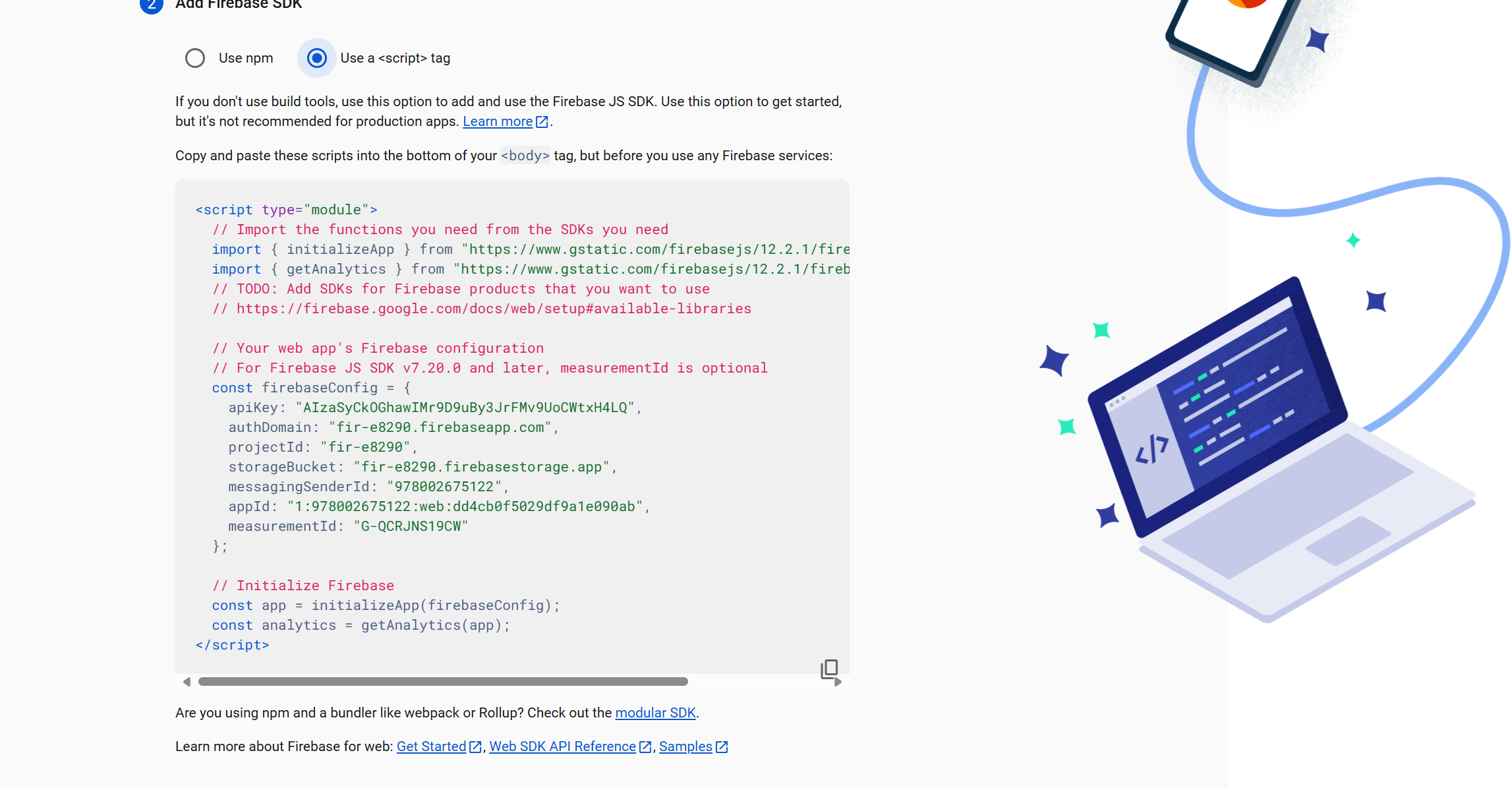
If you want to use V8 verson, you don't to use moule, you need to add these script tag on your website and delete the moule code
<script src="https://www.gstatic.com/firebasejs/8.10.1/firebase-app.js"></script>
<script src="https://www.gstatic.com/firebasejs/8.10.1/firebase-database.js"></script>
The V9 verson use module like, you just copy the code above
On your javascript code, you need to add this code.
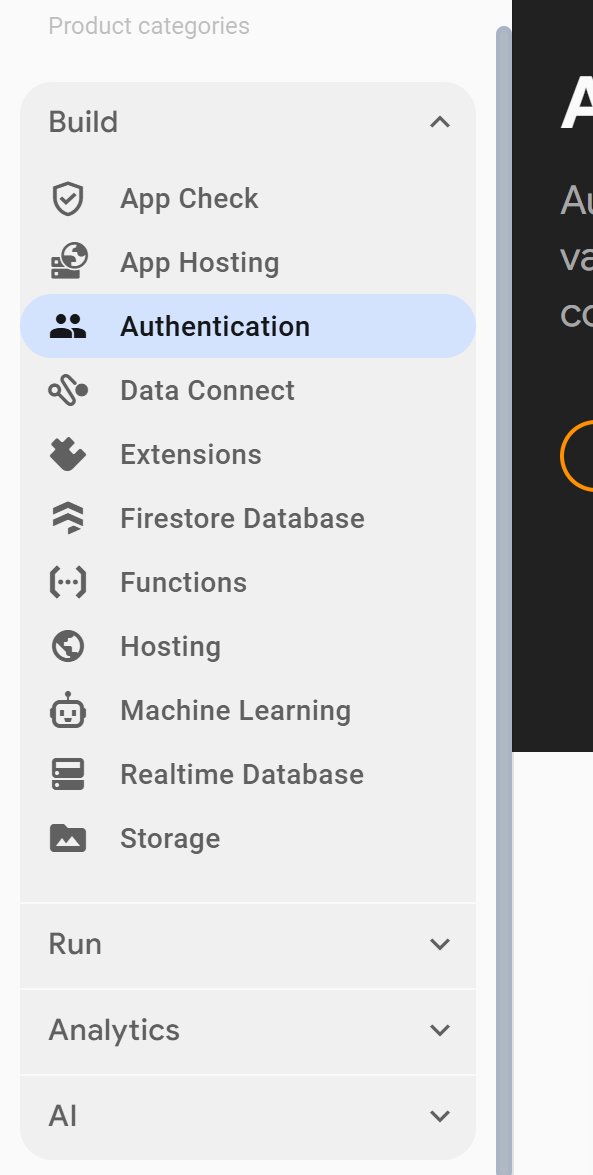
For Firebase Authentication you add:
var auth = firebase.auth();
For Firebase Database you add:
var database = firebase.database();
Read the API Reference to see all the firebase function.